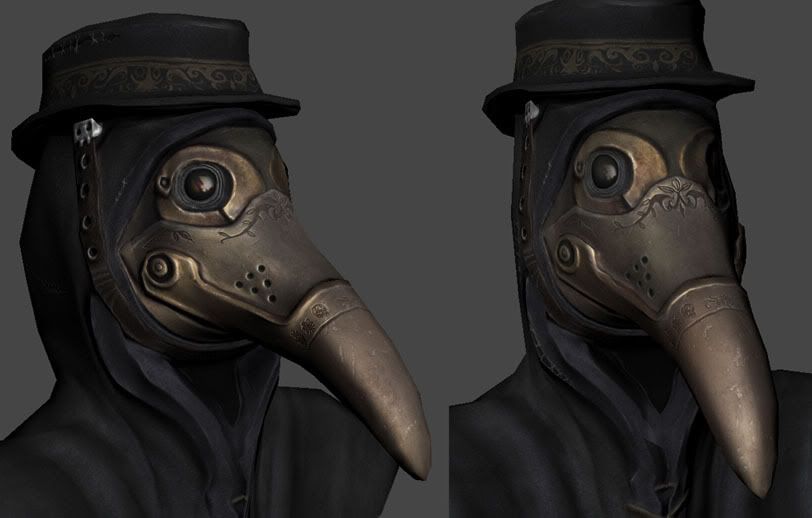
Education : no19 'Layer Managment'
2 years in the industry and I still don't have a fool proof guide on how to set up layers. I wish there was an universal way of doing it so that we instantly know whats going on when opening other peoples psd's. Everyone has their own style when it comes to layers. I hope to do more on this in the future but for now some of my methods.
'General' Folder
Have a 'general' folder with layers for dirt, scratches, rust/edgework, shadowing etc that are generally painted over the whole map. Before I would have something like dirt_objectX, dirt_objectY etc thinking it gave me more control but often I'd end up with multiple different layers for multiple types of general layer. Try to limit to yourself to one layer per 'general texture'.
Colour scheme
Devise a colour system for the main groups. I use red for diffuse, blue for normals and green for specular. You can expand on this to create your own little helpers. For example I sometimes add to the layer names what they will later be copied into. For example General_highlights (spec) or General_indents (norm / spec). It really depends how complex the map is.
'Normals / setup' and 'Normals / final'
"Normals / setup" Group. The cheap way to do it is to throw various layers from diffuse on top of a gray background. Adjust the layers and then normal map filter it. I stick a 50% grey background layer on the bottom with the various layers from diffuse added on top BUT one by one I'll have just one of these layers showing along with the background and then edit the layer/background to produce a good normal and then throw that into a group called 'Normals / final'. At the end you then have multiple normal maps and can easily change the intensity of each layer by simply changing the opacity. Instead of going back and changing the original layer and filtering it again.
2 years in the industry and I still don't have a fool proof guide on how to set up layers. I wish there was an universal way of doing it so that we instantly know whats going on when opening other peoples psd's. Everyone has their own style when it comes to layers. I hope to do more on this in the future but for now some of my methods.
'General' Folder
Have a 'general' folder with layers for dirt, scratches, rust/edgework, shadowing etc that are generally painted over the whole map. Before I would have something like dirt_objectX, dirt_objectY etc thinking it gave me more control but often I'd end up with multiple different layers for multiple types of general layer. Try to limit to yourself to one layer per 'general texture'.
Colour scheme
Devise a colour system for the main groups. I use red for diffuse, blue for normals and green for specular. You can expand on this to create your own little helpers. For example I sometimes add to the layer names what they will later be copied into. For example General_highlights (spec) or General_indents (norm / spec). It really depends how complex the map is.
'Normals / setup' and 'Normals / final'
"Normals / setup" Group. The cheap way to do it is to throw various layers from diffuse on top of a gray background. Adjust the layers and then normal map filter it. I stick a 50% grey background layer on the bottom with the various layers from diffuse added on top BUT one by one I'll have just one of these layers showing along with the background and then edit the layer/background to produce a good normal and then throw that into a group called 'Normals / final'. At the end you then have multiple normal maps and can easily change the intensity of each layer by simply changing the opacity. Instead of going back and changing the original layer and filtering it again.